> ## Documentation Index
> Fetch the complete documentation index at: https://getsupport.keyninestudios.com/llms.txt
> Use this file to discover all available pages before exploring further.
# Check the Status of a Keynine Service
> Check the live status of Keynine Studios apps and websites, view past incidents, and see uptime details on the Keynine status page banner and history.
1. Go to the header of the Keynine Support website and click "Status" or click [here](https://keyninestudios.statuspage.io/)
2. From there, you can see all the statuses
 If you see this banner, that means all systems are performing normally
 You can check the individual status of a certain app or website by scrolling down on the page
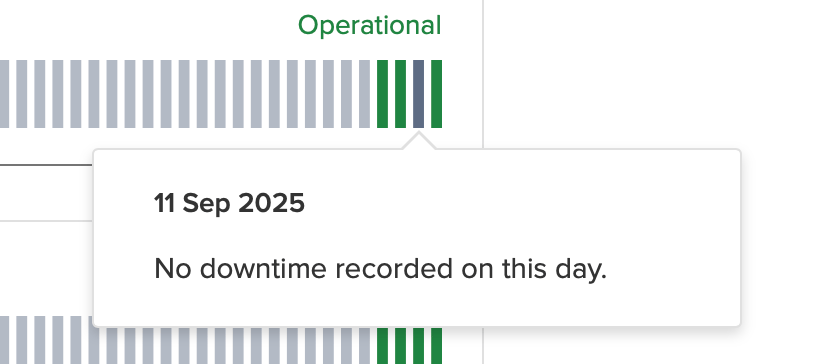 Hovering over a bar will tell you if there have been any incidents
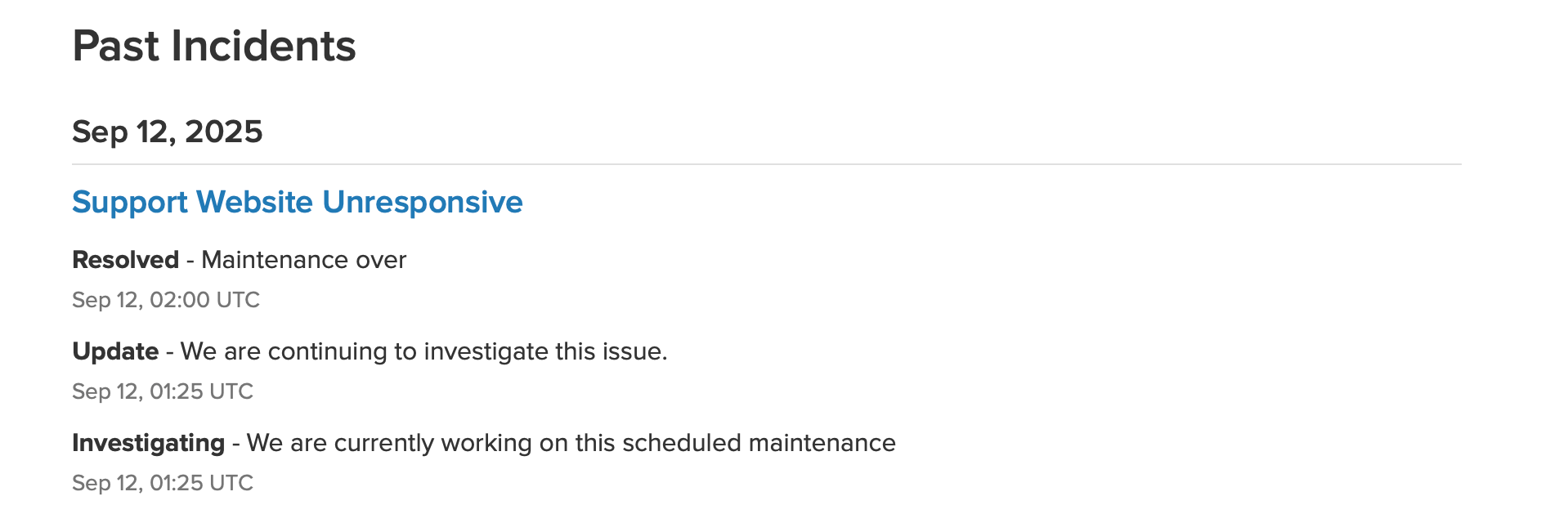 Scrolling down more you can see past incidents and what the status is
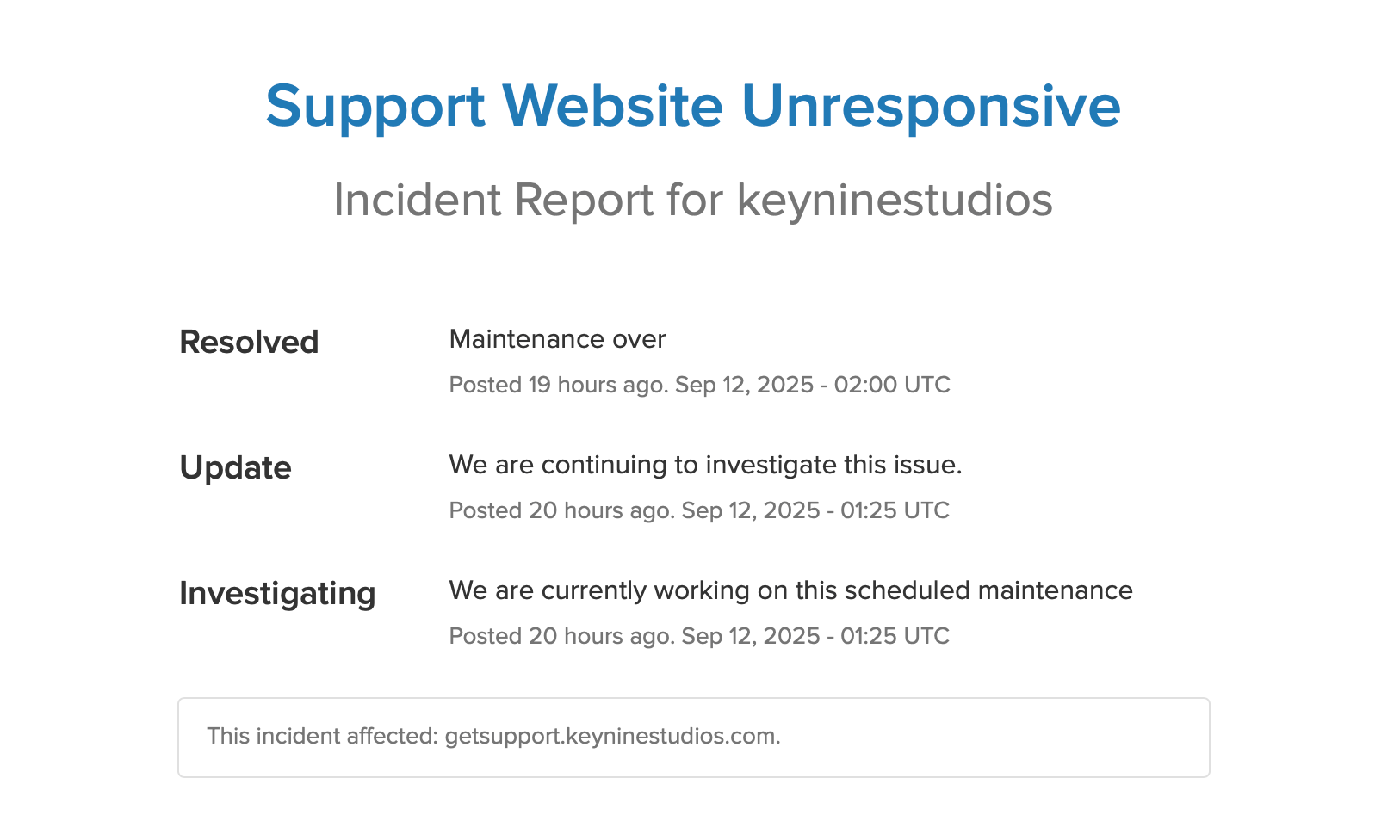 If you click on an incident, you can see more information on what the issue is/was