Documentation Index

Fetch the complete documentation index at: https://getsupport.keyninestudios.com/llms.txt

Use this file to discover all available pages before exploring further.

  1. Go to the header of the Keynine Support website and click “Status” or click here
  2. From there, you can see all the statuses

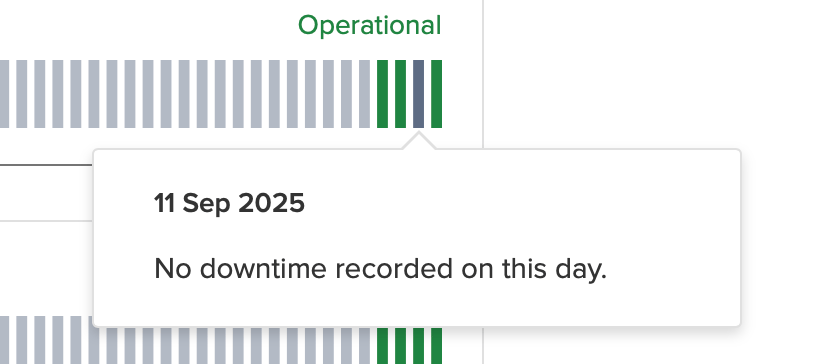
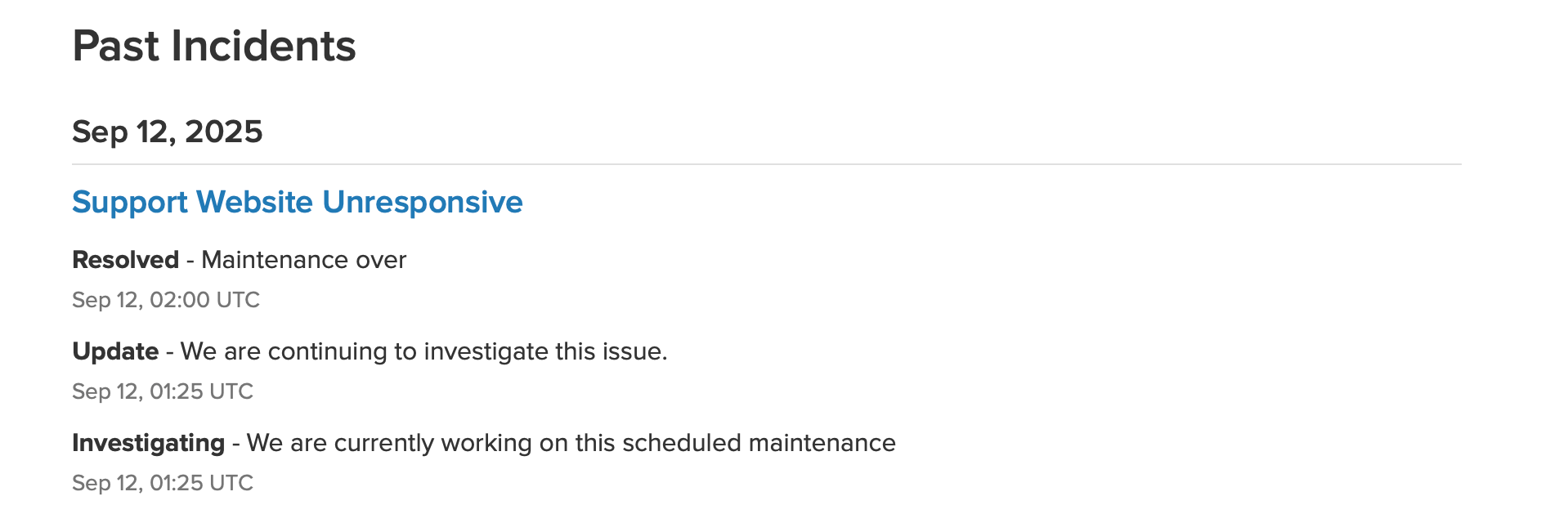
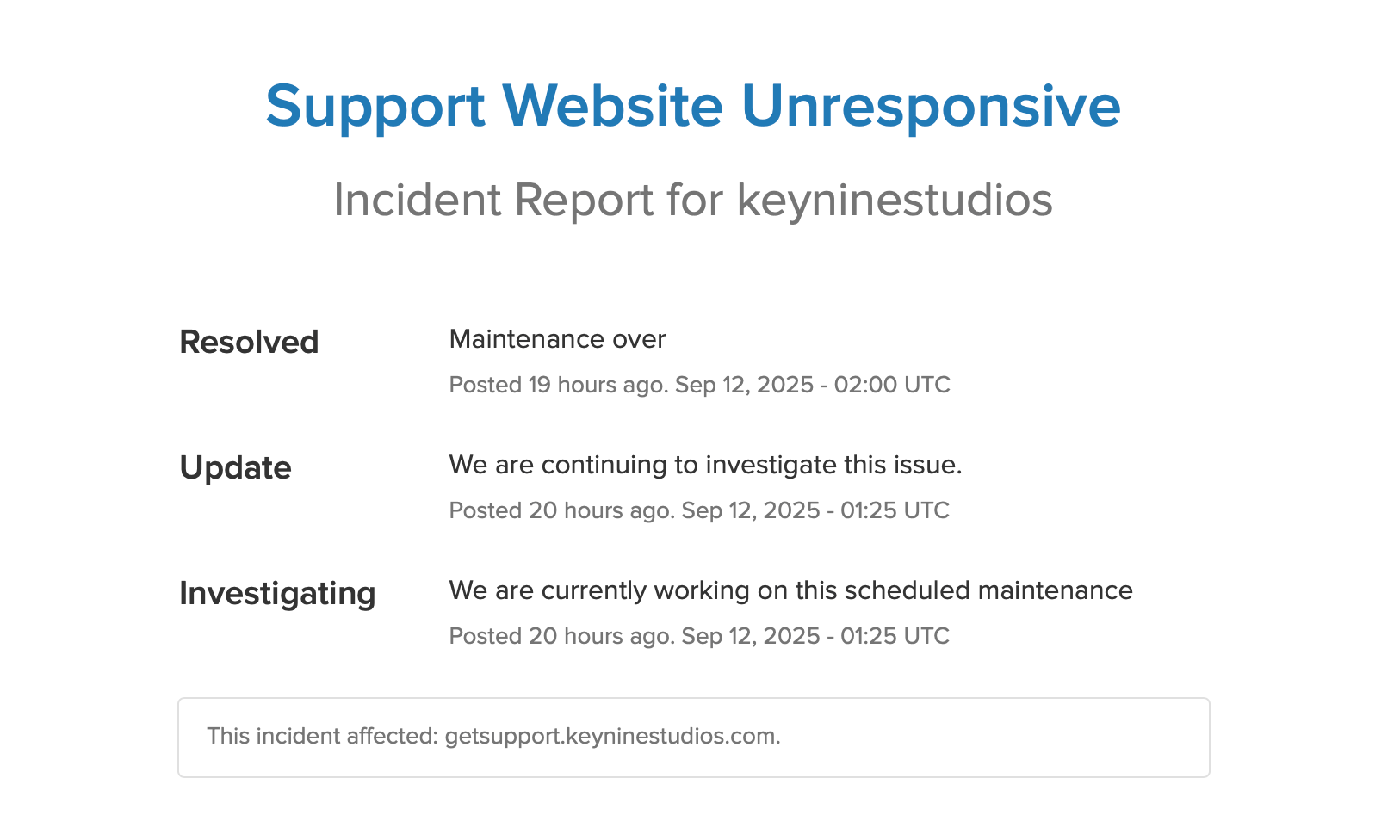
If you see this banner, that means all systems are performing normallyYou can check the individual status of a certain app or website by scrolling down on the pageHovering over a bar will tell you if there has been any incidentsScrolling down more you can see past incidents and what the status isIf you click on an incident, you can see more information on what the issue is/was